iOS - Setup Outlook

Open Outlook for iOS. The icon looks like this:

If you don't have it yet,
Open the collapsed menu in the upper left corner.
Note: First time using Outlook for iOS? Just tap Get Started.

Tap Settings
> Add Account > Add Email Account.
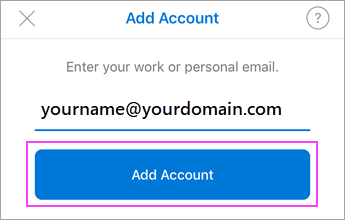
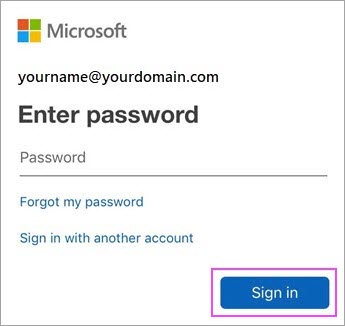
Type your full email address, then tap Add Account.
Note: If you're prompted for more information, you may have to

Was this article helpful?